













Ergonomic Desk Accessories Worth Adding to Any Workspace
A good desk and a supportive chair are the foundation of a comfortable workstation, but they're rarely the whole story. Most of the day-to-day aches people blame on their chair actually come down to smaller details: a monitor at the wrong height, a keyboard that forces the wrists into an awkward angle, or lighting that has everyone squinting by 3 p.m. The good news is that these are some of the easiest and most affordable upgrades you can make to an office, and they tend to pay off in comfort almost immediately.
Start With the Screen: Monitor Arms
Where a monitor sits has a bigger effect on posture than most people realize. A screen that's too low forces the neck to bend forward for hours at a time, which is a common source of neck and shoulder tension. A monitor arm solves this by letting each person set their screen at eye level and the right distance away, and most clamp-on or grommet-mount options adjust in seconds without tools. For teams with dual or triple monitor setups, a multi-arm mount also frees up real desk space that would otherwise go to bulky monitor stands.
Give Wrists a Break: Keyboard Trays
Typing directly on a desktop surface often puts the wrists at an upward angle that adds strain over a full workday. A keyboard tray positions the keyboard and mouse slightly below desk height, which keeps wrists straighter and shoulders more relaxed. This is a particularly easy fix for shared desks or hot-desking setups, since most trays install once and then adjust to fit whoever sits down next.
Small Upgrades, Big Comfort Payoff
A few other accessories consistently make a noticeable difference without requiring a full desk replacement:
- Task lighting to reduce eye strain in open offices where overhead lighting is inconsistent or too dim for close work
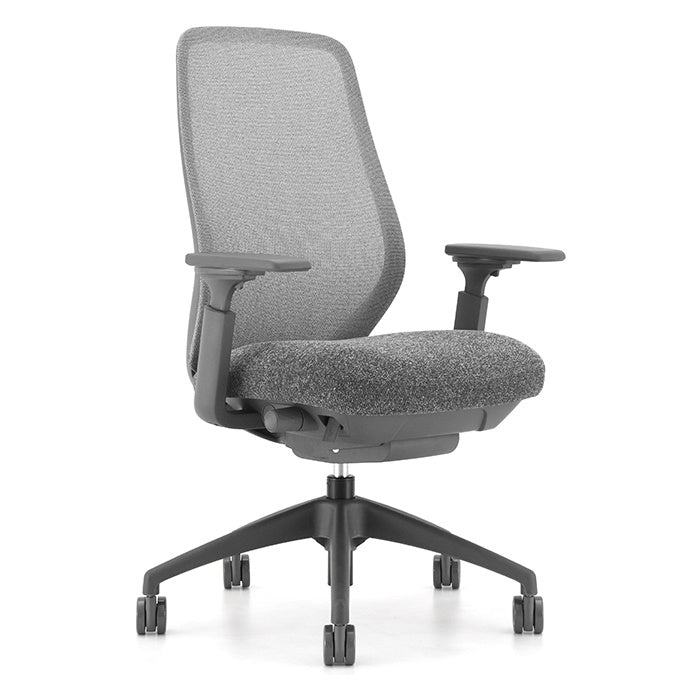
- Adjustable chair arms that let shoulders relax instead of hunching to reach the desk
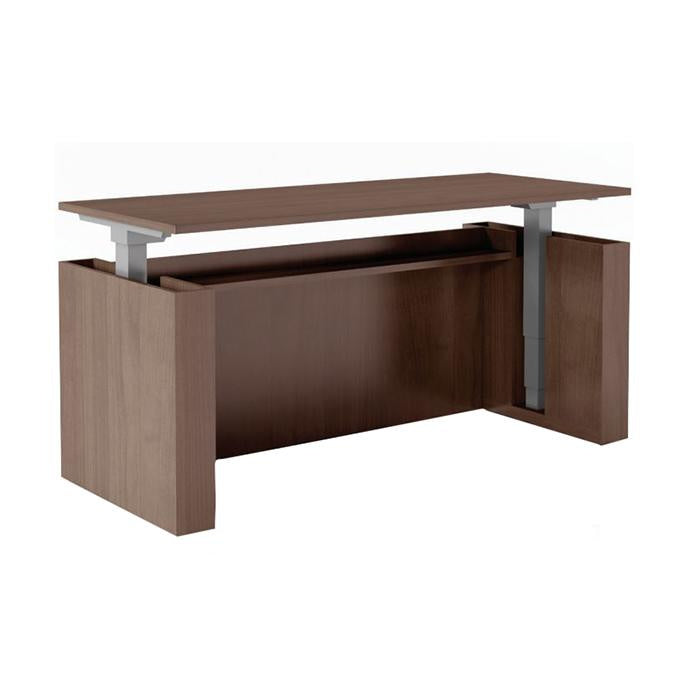
- Anti-fatigue mats for standing desk users who spend part of the day on their feet
None of these require a big budget or a major project. Most can be added to existing desks one at a time, which makes them a good option for offices testing ergonomic upgrades before committing to new furniture across the board.
Building Comfort Into a Bigger Furniture Plan
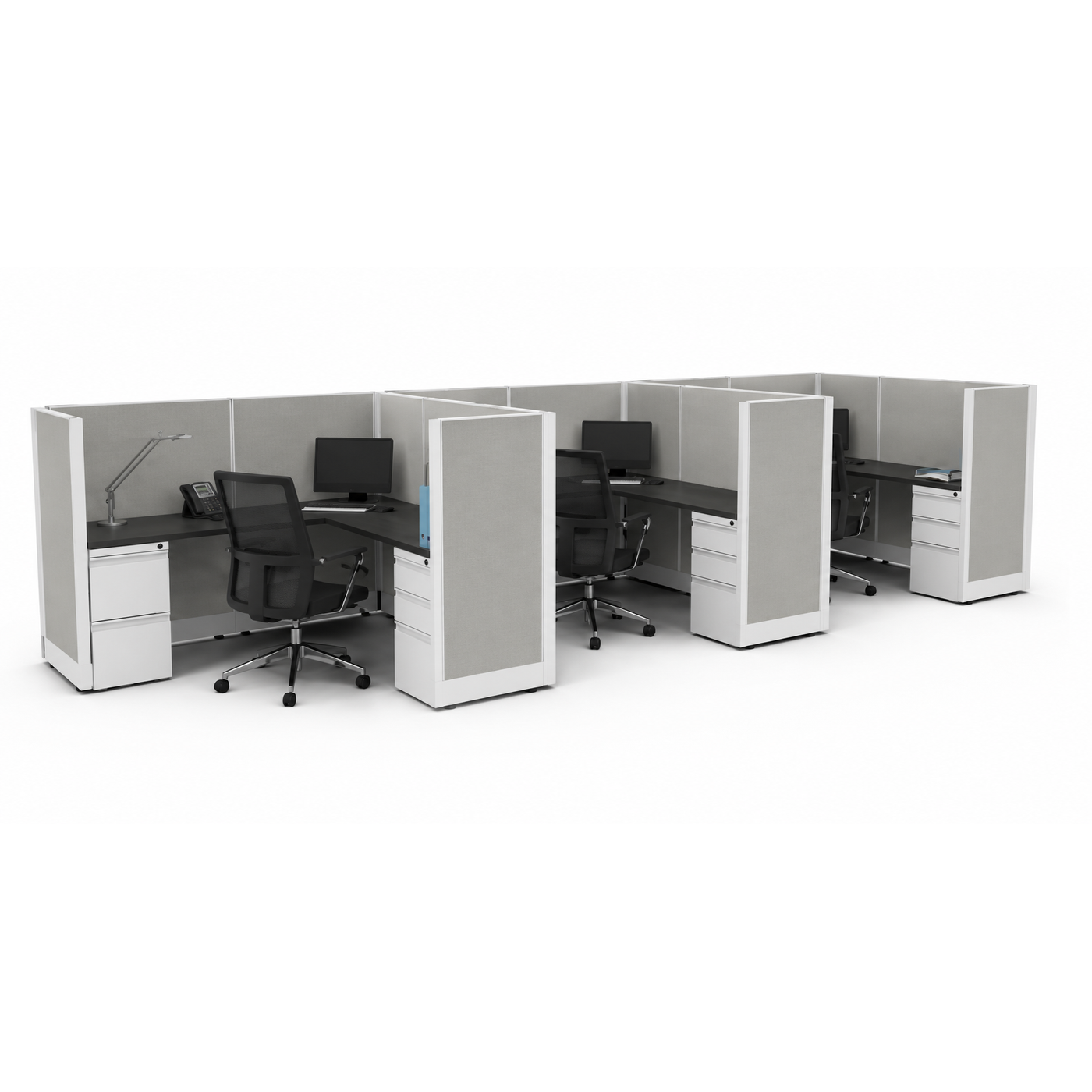
Ergonomic accessories work best when they're chosen alongside the furniture they're paired with, not as an afterthought. A monitor arm needs a desk surface that can support the clamp or grommet mount, and a keyboard tray needs enough clearance underneath. That's exactly what USDO's free office furniture space planning service is for: our team can help you figure out which accessories fit a specific desk, chair, and workstation, whether you're upgrading one office or outfitting an entire floor.
Ready to see what's available? Browse ergonomic desk accessories and find the small upgrades that make the biggest difference in daily comfort.
- Choosing a selection results in a full page refresh.