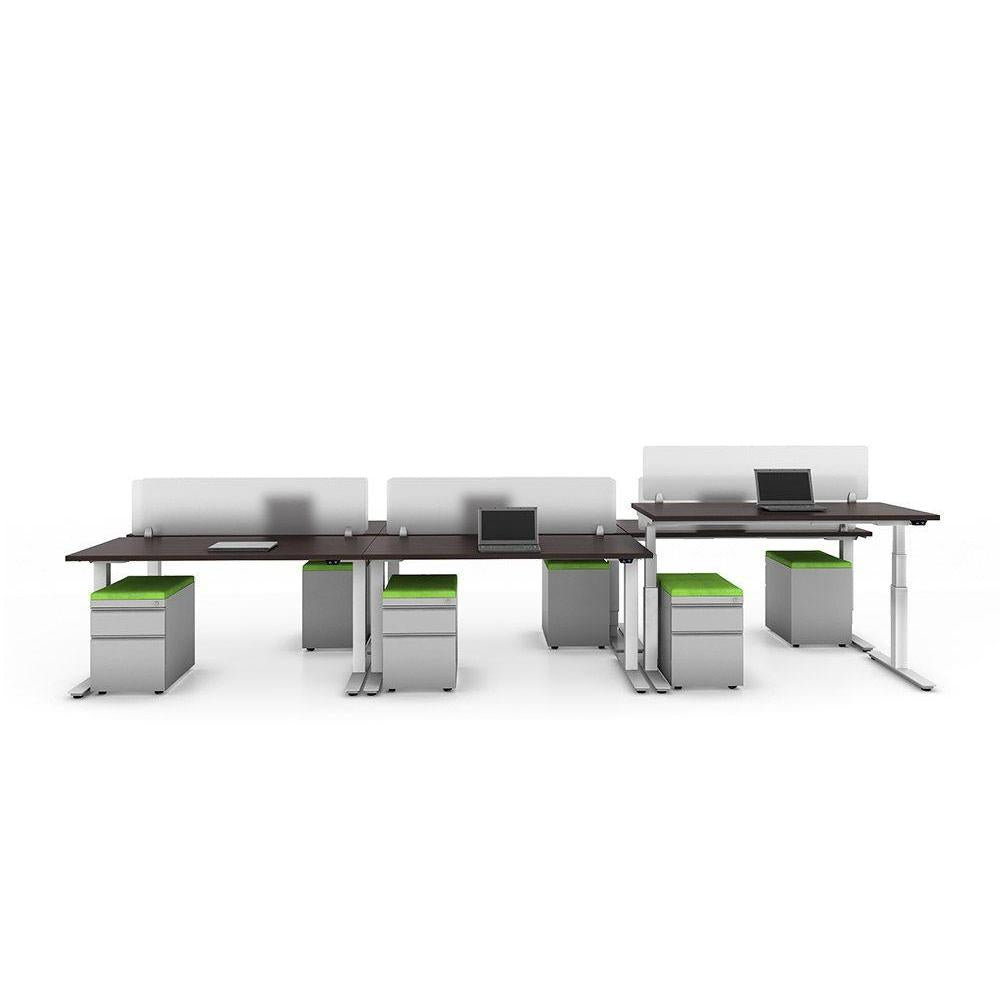
Desks don't get the same attention as chairs when it comes to ergonomics, but they shape a workspace just as much. The wrong size, shape, or style can leave a room feeling cramped or mismatched, while the right desk quietly supports how people actually work all day. This guide breaks down what matters most when buying commercial office desks, so you can order with confidence the first time.
Just like chairs, desks aren't one-size-fits-all. The right choice depends on the role and the space.
Individual workstations. These are the desks employees sit at all day, so function matters more than anything else here. Surface size, storage, and cable management tend to be the priority.
Executive desks. These combine a larger surface and a more polished look with the same daily-use demands as a workstation, often in a private office where appearance carries extra weight.
Height adjustable desks. Increasingly common in modern offices, these let employees switch between sitting and standing throughout the day. They tend to cost more but are one of the most requested features in newer office builds.
Reception and welcome desks. These are more about first impressions and function as a checkpoint than about all-day comfort, so appearance and durability under frequent public contact matter most.
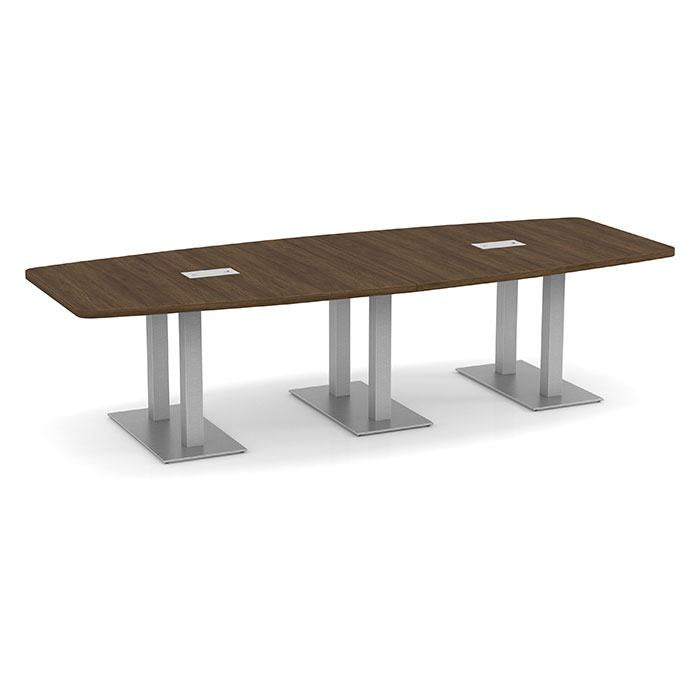
Conference and training tables. Larger surfaces meant for shared use rather than one person, these are chosen more for size, shape, and how well they support technology (power access, cable routing) than for individual ergonomics.
Knowing which category applies makes every other decision below much easier.
Surface size. A single monitor setup usually works fine with a 48 to 60 inch wide desk, while dual monitor setups or roles that require spreading out paperwork often benefit from 60 to 72 inches. Measure the space before ordering, including room to push a chair back comfortably and walk around it (at least 36").
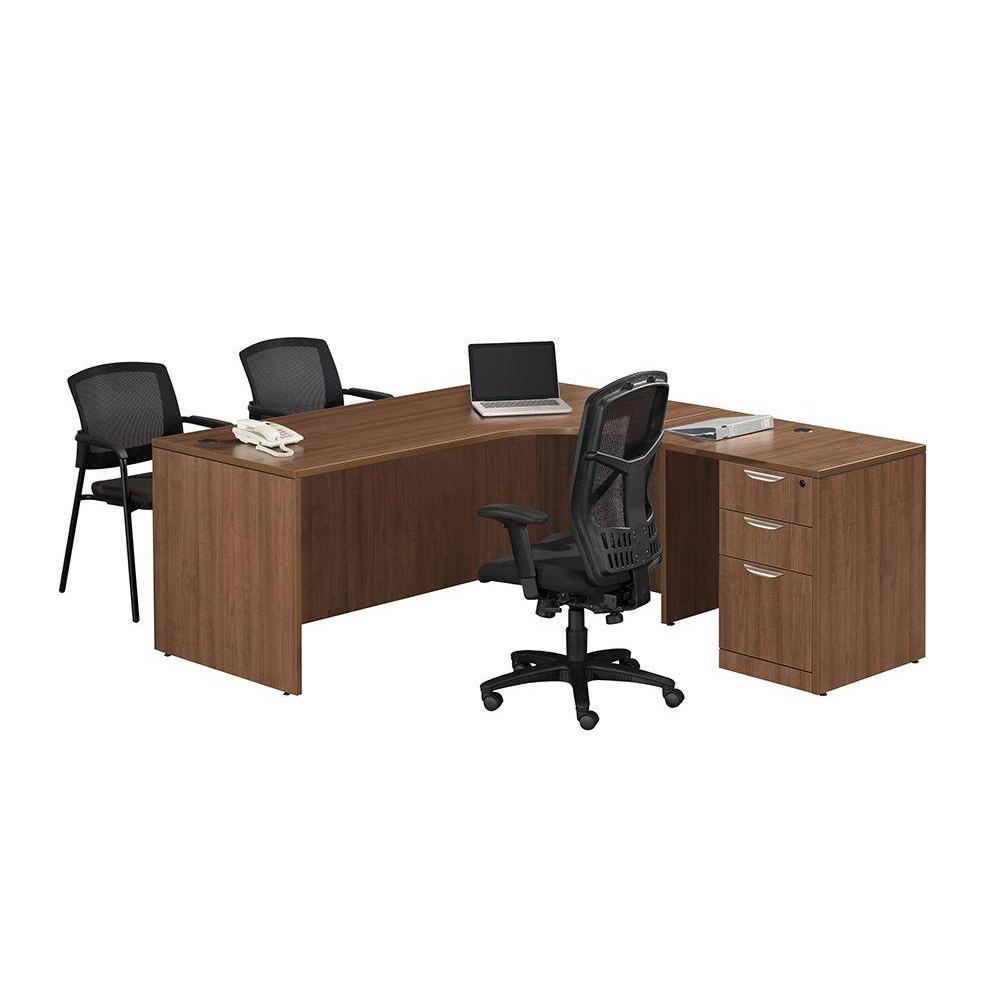
L-shaped and U-shaped desks. These add a return or a wraparound section, giving more surface area without taking up more depth in one direction. They work well for roles that split time between a computer and other tasks (reviewing documents, meeting with a visitor at the desk) but require more floor space than a straight desk.
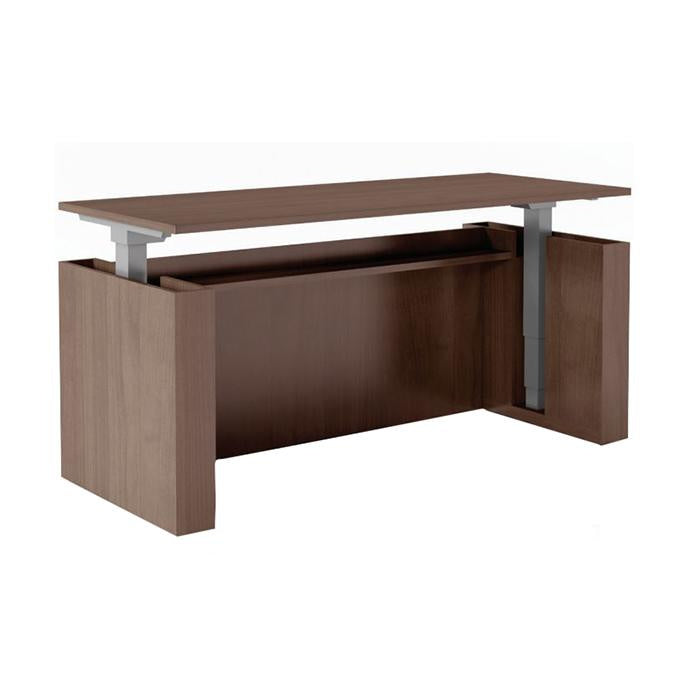
Standing and height adjustable desks. Modern commercial height-adjustable desks are fully electric and adjusted at the push of a button. Our standing desks are programmable to up to four different heights and can be adjusted in seconds with the push of a single button.
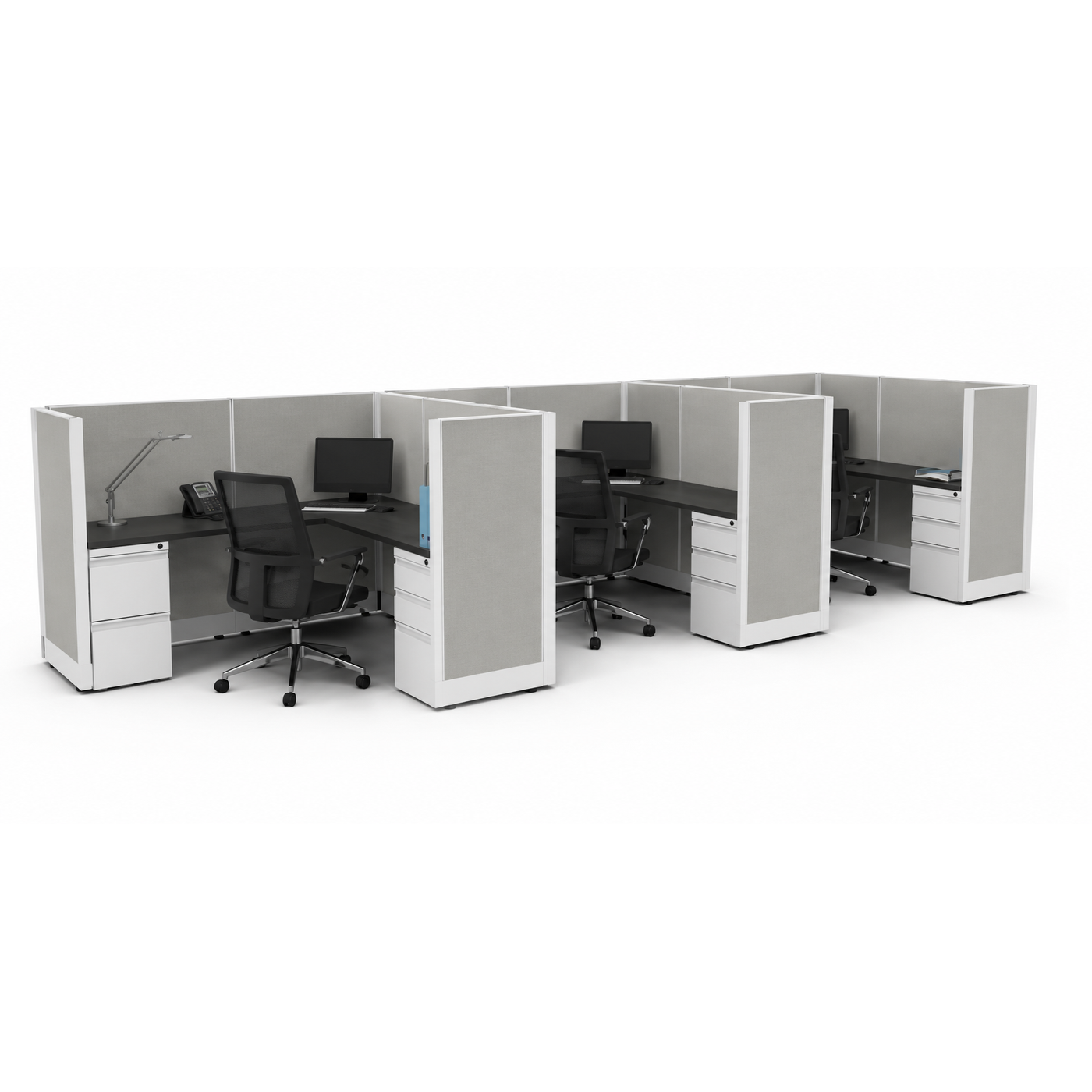
Benching and shared workstation systems. Common in open offices, these connect multiple desks in a row, often sharing a divider panel or cable spine. They maximize headcount per square foot but reduce privacy, so they suit collaborative teams better than roles requiring focus or confidentiality.
Laminate. The most common surface material in commercial furniture, laminate is durable, resistant to scratches and stains, and available in a wide range of finishes. It holds up well under daily use and is usually the most budget-friendly option without sacrificing durability.
Veneer. A thin layer of real wood over a engineered core, veneer gives a more upscale, natural look often chosen for executive offices. It requires a bit more care than laminate, but offers a more upscale appearance.
Metal frames. Steel legs and frames are standard on many commercial desks, especially height adjustable models, since they provide the stability needed to support a moving desktop without wobble. Look for a frame with a weight capacity that comfortably exceeds what you'll actually place on the surface, including monitors, equipment, and everyday items.
Edge banding. This is the strip along the edge of the desktop that protects the core material from moisture and daily wear. Well-applied edge banding is a small detail, but a poorly finished edge is one of the first places cheaper desks start to show wear.
Modern offices run on more cables than ever, and a desk without a plan for them gets messy fast.
Grommets and cable ports. Small cutouts in the desktop that let cables drop cleanly to the floor or to a power source underneath, rather than running across the surface.
Cable trays. Mounted underneath the desk, these gather cables together and keep them off the floor, which matters both for appearance and for reducing tripping hazards.
Built-in power and data access. Increasingly common on conference tables and some individual desks, built-in outlets and USB ports reduce the need for extension cords and keep charging cables within reach.
If your team relies heavily on multiple monitors, docking stations, or shared technology, it's worth prioritizing these features over surface finish or color.
Desk pricing varies widely, and knowing where the money goes helps you choose wisely rather than just picking the cheapest or most expensive option.
A desk is one of the longest-lived pieces of furniture in an office, often staying in place for a decade or more, so it's worth weighing long-term durability alongside upfront cost.
Choosing surface size based on the room alone. A desk that fits the room isn't always a desk that fits the work. Consider what will actually sit on the surface (monitors, paperwork, equipment) before finalizing dimensions.
Overlooking cable management until after the desk arrives. It's much easier to choose a desk with built-in grommets or trays up front than to retrofit cable management later.
Assuming all height adjustable desks perform the same. Weight capacity, adjustment speed, and stability at full height vary significantly between models. A desk that wobbles at standing height defeats the purpose of the upgrade.
Underestimating how long a desk needs to last. Desks are replaced far less often than most other office furniture, so it's worth choosing based on years of use, not just the initial price tag.
A desk is more than a work surface. It shapes how comfortably someone works, how organized a space feels, and how a room looks to anyone who walks through it. Buying online means the spec sheet does the work a showroom visit normally would, so take the time to compare dimensions, materials, and weight capacity closely before ordering rather than relying on photos alone.
If you're outfitting an office and want help narrowing down desk options based on your space, team size, or budget, our team is happy to walk through recommendations directly. We back our desks with a limited lifetime warranty, ship faster than the industry average, and stand behind every order with customer service that continues well past the sale. Reach out anytime, we're glad to help you get it right the first time.